
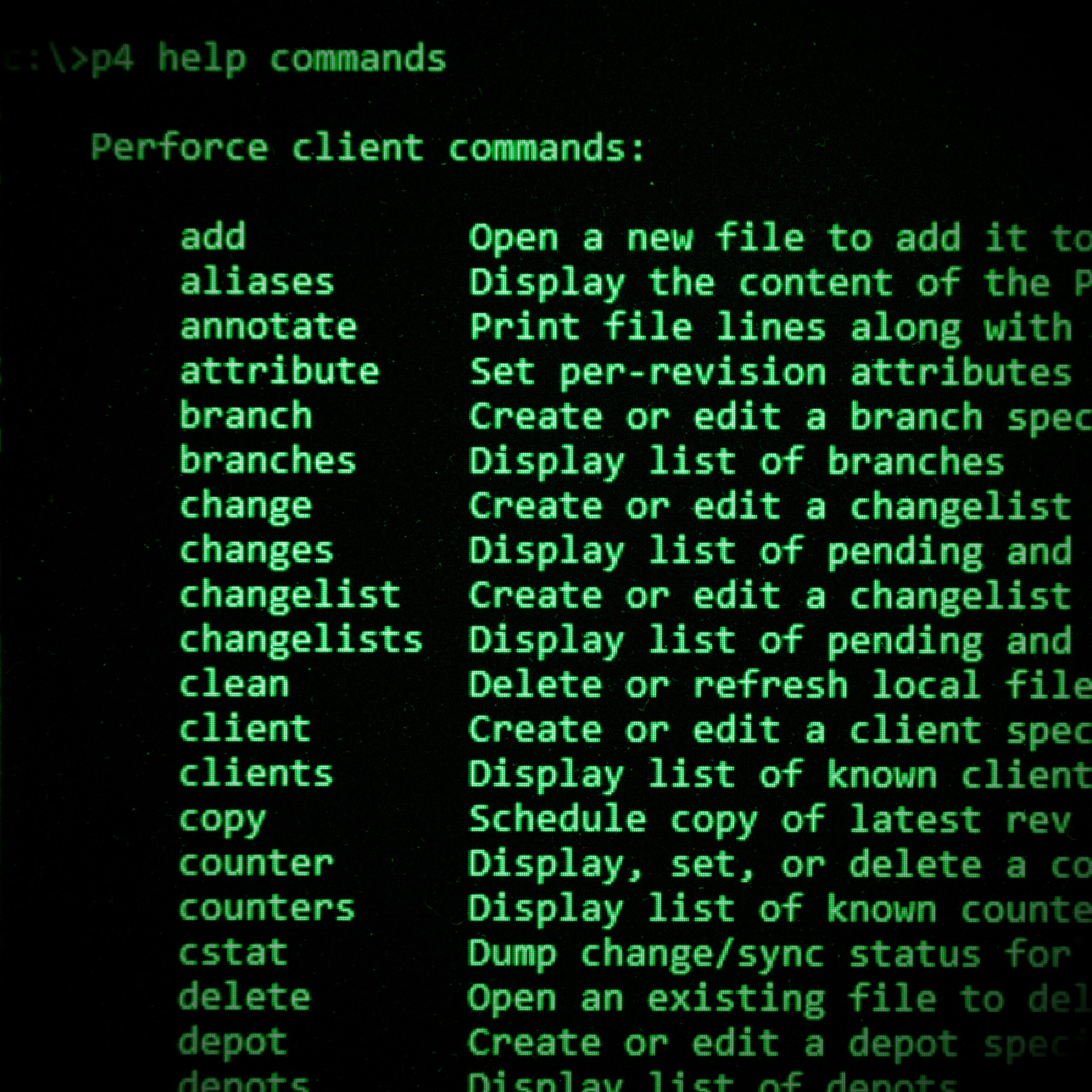
I began using Perforce (they call it “Helix Core” now, which I will never accept) for change management starting at ATX Forms circa 2003. More than 20 years later I still favor it, for better or worse, over modern and far more popular — and arguably more capable — tools like Git.
This post started out simple enough — I just wanted to get a little piece of technical information out there on the Internet. I’ve encountered this problem a few times over the years — wanting to adjust the p4 job specification to avoid automatically marking a job as “fixed” whenever I attached a changelist to it. Every time it came up, I would forget how I had fixed it the last time and would begin the search all over again, eventually piecing together the answer from fragments of ancient scrolls and long dead forum posts. The last time that I completed this quest I was determined to 1) document it for my own purposes and 2) post it online so somebody else could easily find it and save themselves a bunch of headaches.
Then it occurred to me — is anyone out there actually looking for this information? Does anyone still use Perforce for change management the way I have for more than 20 years? Am I casting a line out into the ocean that is Web 2.0 hoping to snag the now vanishingly rare old fogey who still appreciates the subtleties of a system like Perforce while turning a blind eye to the obvious advantages of newer tools?
Am I the type of person who tends to overthink things that nobody else cares about? Yes (see Killing Us with Kindness for one of many examples)…but hear me out.
In the Beginning…
I’m old enough to remember a time when installing a new piece of software was almost always a non-trivial task. After you’ve read the relevant sections of the literal book that came with it, learned how to tweak all the OS configuration files like AUTOEXEC.BAT and CONFIG.SYS to make it work properly, sat through swapping out the 14 diskettes involved in installing it, you could easily have burned through an entire afternoon and taken years off your life.
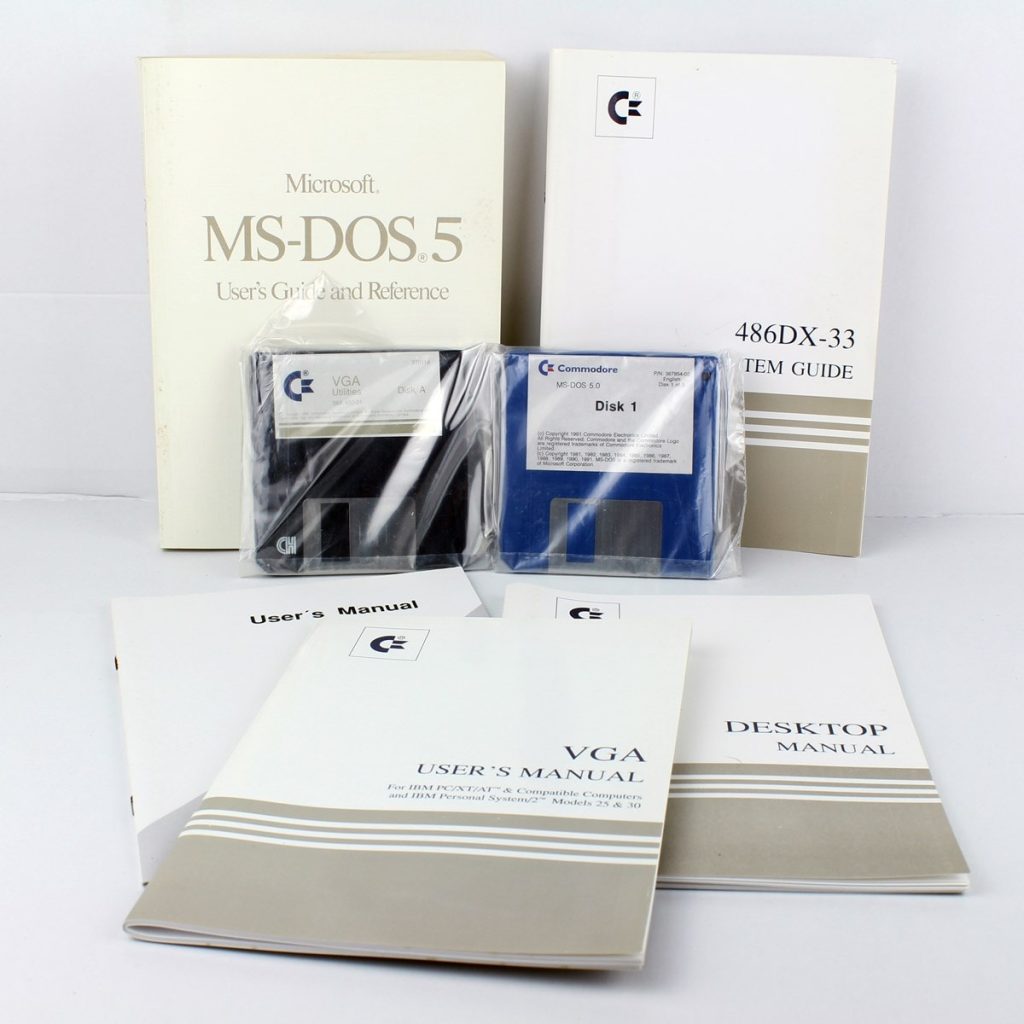
Today most software has become subscription-based and often extremely bloated for reasons that I both understand and am extremely annoyed by. As long as I have been aware of computer software — since I was about 8 years old or so — the struggle to make it as user friendly as possible to accelerate sales has been apparent in how user interfaces have changed over the years, sometimes for no apparent reason other than for the sake of change itself.
When it comes to purchasing software, you typically don’t just buy it on physical media packed in a box. You don’t even download your purchased copy from the Internet and install it before you can use it. No. It requires the creation of yet another login account linked to a validated email with another username and password to store in your password manager, a multi-factor authentication entry in your smartphone (of which you’ll acquire so many that you’ll need an app just to keep track of them all), a consistent broadband or fiber connection to the Internet to run the software and/or receive updates, and a computer with at least 16 gigabytes of RAM and dozens or hundreds of gigabytes of hard drive space to either run the software itself or the web browser with which you’ll access the software in the cloud. What’s more, you’ll have to shell out money for all eternity on a monthly or annual basis to continue using the software and receive updates and support.
Before all that, in the early aughts and late twentieth century (“back in the 1900’s” as my kids like to say), it was much simpler. As I mentioned earlier, Perforce, which was still a relatively new company back in 2003, adopted the slogan “the fast configuration management system.” Their claim to fame was both the speed at which you could set up a new server and the low network overhead required to keep hundreds of users with thousands of workspaces in sync across globally distributed development teams. And it was indeed fast. Still is, actually.
The reason it’s so fast is because the requirements are so low — there are no dependencies for the client and server software and you can run them with minimal resources, each executable file taking mere kilobytes of space and requiring only a simple TCP/IP connection to work. At the time I began using it, compiled binaries were available for nearly 50 operating systems (Windows, Macintosh, Linux in all it’s flavors, DOS, etc., etc.), making it possible for your entire team to work together from whatever environments they needed across any geographic area.
Its the simplicity of it that gets me. I just can’t get over how the whole thing works with just two small executable files: p4.exe (client) and p4d.exe (server).
I’ve run both the p4 client and server software in a variety of environments, such as Windows servers, Raspberry Pi, and MacOS. Each version, including those released in 2026, works exactly the same way and is completely backwards compatible with earlier versions of the software released back when people were still fixing the Y2K bug.
# Open files for editing.
p4 edit foo.c
p4 add bar.c

# Review changes after editing files.
p4 diff

# Submit your changes to the depot.
p4 submitCode language: Bash (bash)
In spite of its simplicity, it was and continues to be hugely extensible. Server triggers allow administrators to build custom policies, form and file submission validation, automation for CI/CD, email notifications, using any language or set of tools that best fit their business needs. Aside from the base functionality, there are also tons of integrations to tie in other software like bug trackers, Microsoft Office plugins for Word and other document change tracking…
I could go on like this. It was wild and I was so excited when I started learning about it that I never came down from that high.
Old Man Yells at The Cloud
In Douglas Adams’ posthumously published collection of unfinished works, The Salmon of Doubt, he describes three rules that really resonate with me in terms of how I’ve experienced technology throughout my life thus far.
- Anything that is in the world when you’re born is normal and ordinary and is just a natural part of the way the world works.
- Anything that’s invented between when you’re fifteen and thirty-five is new and exciting and revolutionary and you can probably get a career in it.
- Anything invented after you’re thirty-five is against the natural order of things.
I personally reached stage 2 at a time that predates most streaming and cloud services as they exist today, when independently crafted MOD files were rapidly being replaced by MP3 files, and Winamp was the choice method of playing vast collections of full albums ripped by your co-worker and shared over the corporate LAN while chatting and swapping proto-memes on MSN Messenger.
When I think back on my early days with Perforce, it’s easy to label that bygone era as “the good ole’ days” and pine for their return as you would a favorite hometown hangout spot or family home, long ago lost to the bulldozers of time. However, as Admiral Ackbar noted during the attack on the second Death Star in Return of the Jedi: it’s a trap. Bringing back Perforce to reign supreme over all change management systems is an idea that old fogies like me hold onto because we don’t want to let go of that feeling we got when everything was new and exciting and revolutionary and we were building our careers on it. We still see the elegance of those solutions and marvel at how much better they were than whatever came before them (Visual SourceSafe, in my case).
These kids today with their TikTok dances and decentralized source control seem to go against the natural order of things (day and night, life and death, client and server), and I regard them with a suspicious side-eye and low-key ire.

Then Again…
For as long as I have used Perforce for source control, I never actually got much farther than the basic functionality: opening files, simple branching and integration, labeling, jobs, server triggers, etc. In fact, I never even fully adopted the idea of “streams” in my codelines, even though it was supposed to simplify everything.
My quasi-professional coding experience was fairly limited and isolated, even in my ATX days. After they announced they were shutting down the Caribou office, I picked up another job at a local health center, where things were still pretty “low tech” and even using a computer to check your email once a day was considered a novel extravagance and a waste of valuable paper-shuffling time. I spent more than a decade in a development desert, attempting to spark a career in coding where there was no call for it and no fellow computer nerds to collaborate and grow with. My professional life began to fill up with ill-conceived project ideas that should never have seen the light of day but somehow became half-baked and poorly implemented production systems.
Nobody who would have known any better was around to stop me.
It wasn’t until a few years ago when new management came in with any experience in the technology field that my coding began to re-gain some structure, direction, and purpose. These days I’m leading a small team of developers to create and maintain systems that both benefit users and have a roadmap for growth and sustainability.
And Perforce is not a part of it.
I made an honest effort for a couple of years to make Perforce the single source of truth for our team — not because it was the better tool, but because it was what I knew. After a while it became clear that the development team I was building (who are all younger than me) was being negatively impacted by my personal resistance to a newer and decentralized source control mindset (Git) in favor of the more “traditional” centralized source control methodology (Perforce).
In fact, when I search the internet for what people are saying about Perforce now, it very much sounds like how people were talking about Visual SourceSafe back in the early ‘aughts.
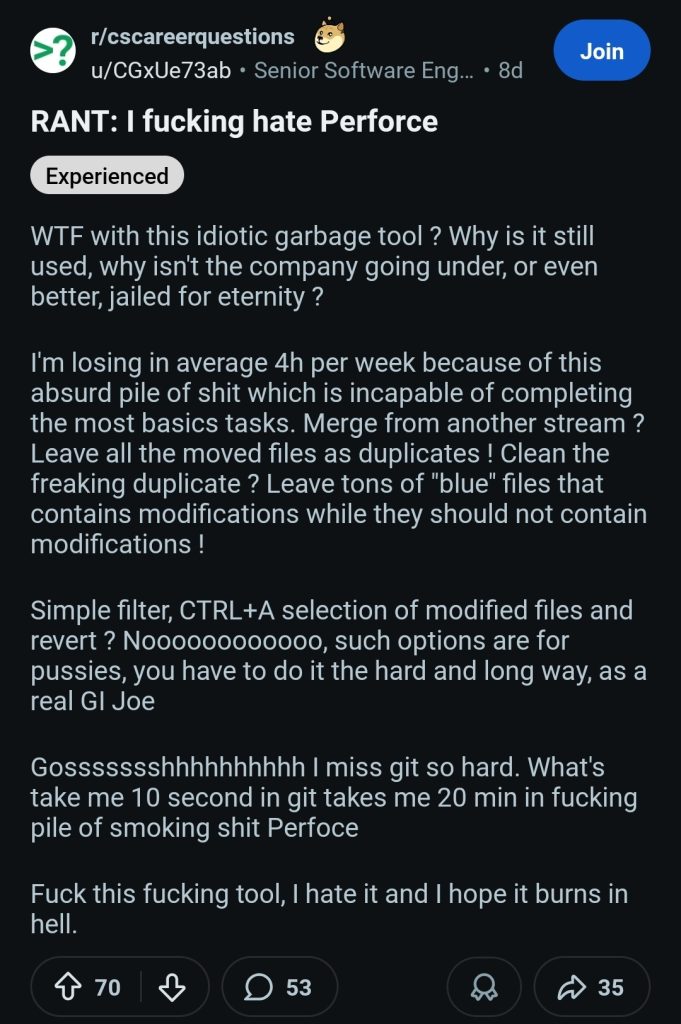
I can easily see the above rant being made about VSS back in the day. Time marches on…
Job Fixes, Keeping the Job Status “Same”
Aaaanyway, for anyone who still needs it (and is somehow still reading this), here is the p4 job “same” solution I wanted to post in the first place before I fell down this rabbit hole a few months ago.
By default, Perforce wants to close a job as soon as you fix it with a changelist. To avoid this, you can change the default job specification using p4 jobspec, then add fix/same to the end of the Status preset.
Presets:
                Status open,fix/same
Here is an example of the full jobspec.
# A Perforce Spec Specification.
#
#  Updating this form can be dangerous!
#  To update the job spec, see 'p4 help jobspec' for proper directions.
#  To update the stream spec, see 'p4 help streamspec' for proper directions.
#  Otherwise, see 'p4 help spec'.

Fields:
                101 Job word 32 required
                102 Status select 10 required
                103 User word 32 required
                104 Date date 20 always
                105 Description text 0 required
                106 Target_Date word 10 optional
                108 Priority select 10 required

Values:
                Status open/suspended/closed/same
                Priority low/medium/high/critical

Presets:
                Status open,fix/same
                User $user
                Date $now
                Description $blank

Comments:
                # A Perforce Job Specification.
                #
                #  Job:         The job name.  'new' generates a sequenced job number.
                #  Status:      Either 'open', 'closed', or 'suspended'. Can be changed.
                #  User:        The user who created the job. Can be changed.
                #  Date:        The date this specification was last modified.
                #  Description: Comments about the job.  Required.
Good luck.
Leave a Reply